
Automotive visualization · iPhone & iPad

Your car.
Your next idea.
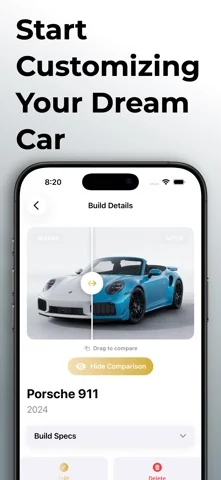
See your next build before you make it real. Explore wheels, paint and body modifications with visuals of your own vehicle.
Generations use credits. One-time credit purchases are available in the app.

iOS / iPadOS 26.1 or later
Generations use credits. No subscription required.
From idea to visual
Explore the build.
Before you commit.
Try a new direction for your vehicle, keep your favourite designs and compare the possibilities.
Explore your options
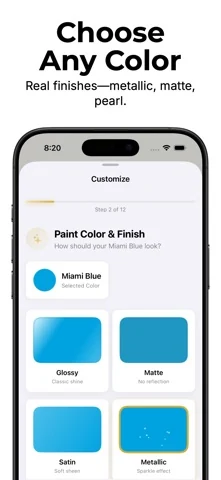
Try wheels, colours, finishes and styling combinations before deciding on your build.
Keep your ideas together
Save your builds in a personal garage and access them across devices with iCloud sync.
Make it your own
Generate a preview, refine your idea, and share it with the community or keep it private.
Inside the app
A closer look at CarStomize.
Actual iPhone screenshots from the official App Store listing.
Getting started
Bring your idea into view.
Choose your vehicle
Start with your vehicle details and a photo.
Choose your changes
Explore paint, wheels and styling options.
Visualize your build
Generate a preview and save the ideas you love.
CarStomize