
Global activity monitor · Web application
A world of activity.
One place to explore.
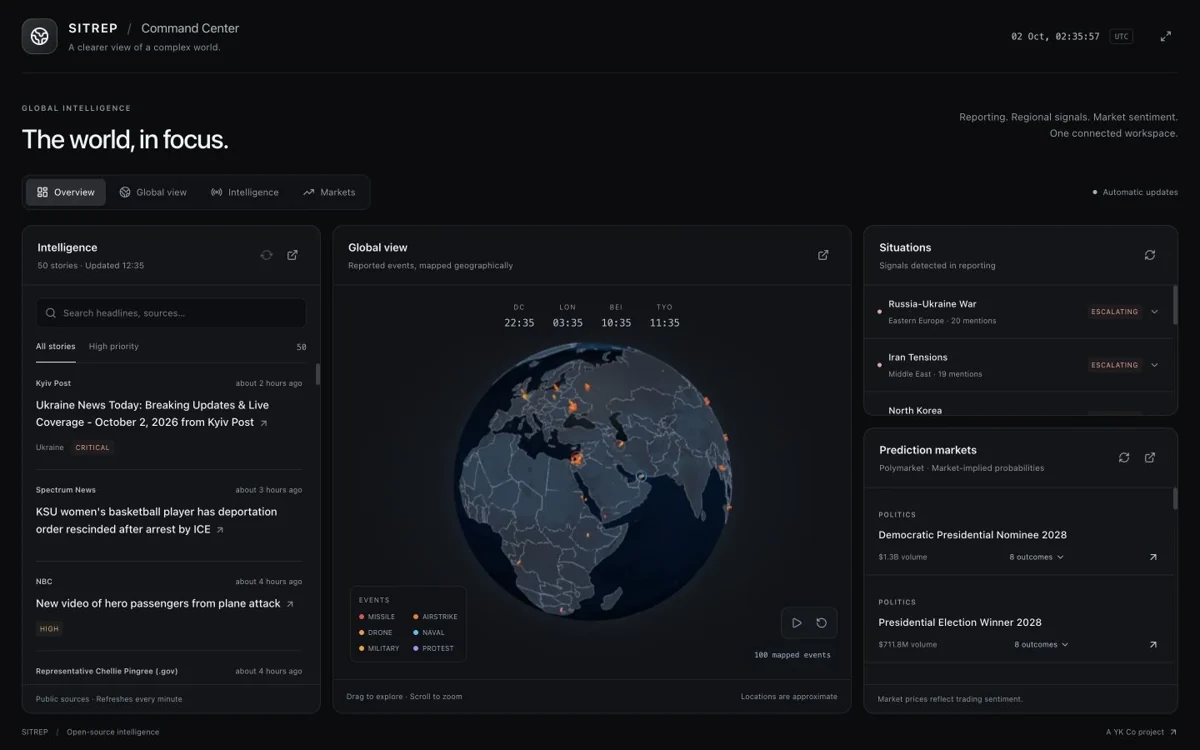
Explore worldwide events with a geographic view, an intelligence feed and situation monitoring in one browser-based dashboard.
The image is a captured view of the live app, not a live data feed.
Access from your browser
Open the dashboard to explore global activity.
Context in one dashboard
See the event.
Follow the context.
Move from a geographic overview to source coverage and active situations in one browser view.
See the global picture
Explore events geographically using the interactive globe.
Follow the sources
Read the intelligence feed and open original articles for more context.
Keep situations in view
Browse active situations and market context alongside the map.
Getting started
Start with the global picture.
Open the dashboard
Launch the web app in your browser.
Explore the globe
Navigate the map and inspect events of interest.
Follow the context
Read source coverage and monitor active situations.
Global Command Center